
Getting Started with Clash for Android
Last updated:
This walkthrough covers first launch and profile import for the original Clash for Android, including the archived 2.5.12 Premium APK. Check the profile’s core compatibility before starting on Android.
Contents
What is Clash for Android?
Clash for Android was Kr328’s Android client for the classic Clash core. It uses Android’s VPN interface to handle traffic according to an active profile. The original project is discontinued, so server compatibility depends on what the archived core can read.
How to Download and Install?
The download page lists an archived universal APK and explains how it is distributed. Check the download source and follow the Android installation instructions for your phone.
Interface Overview
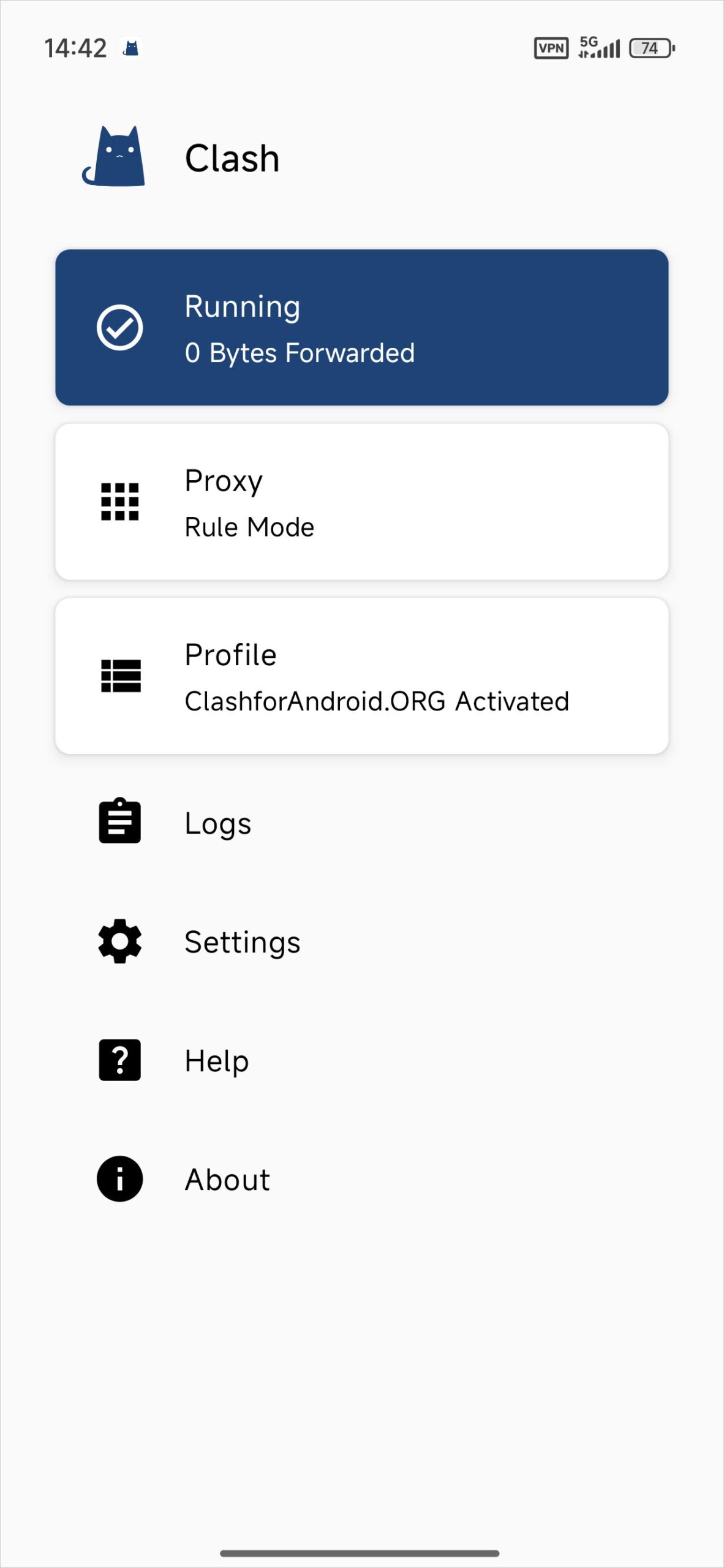
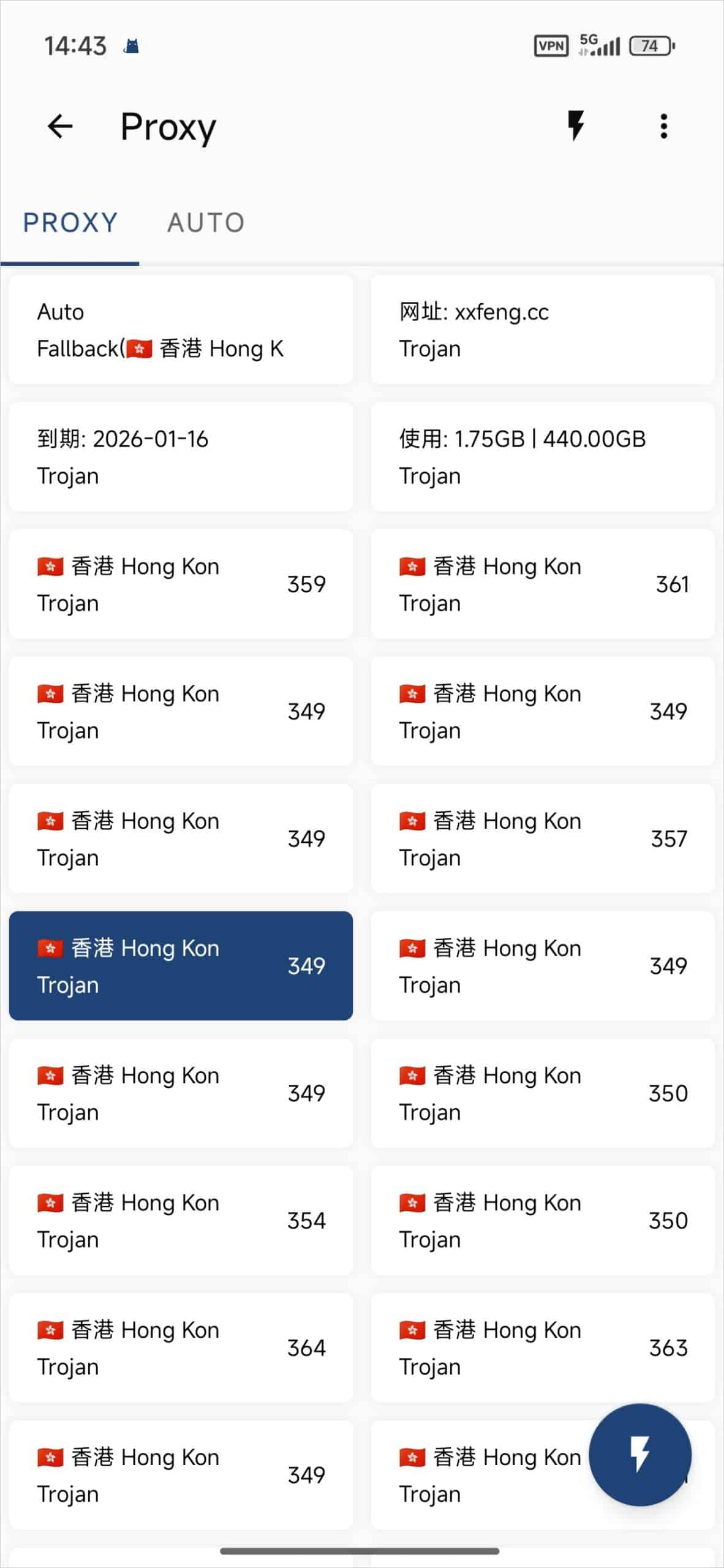
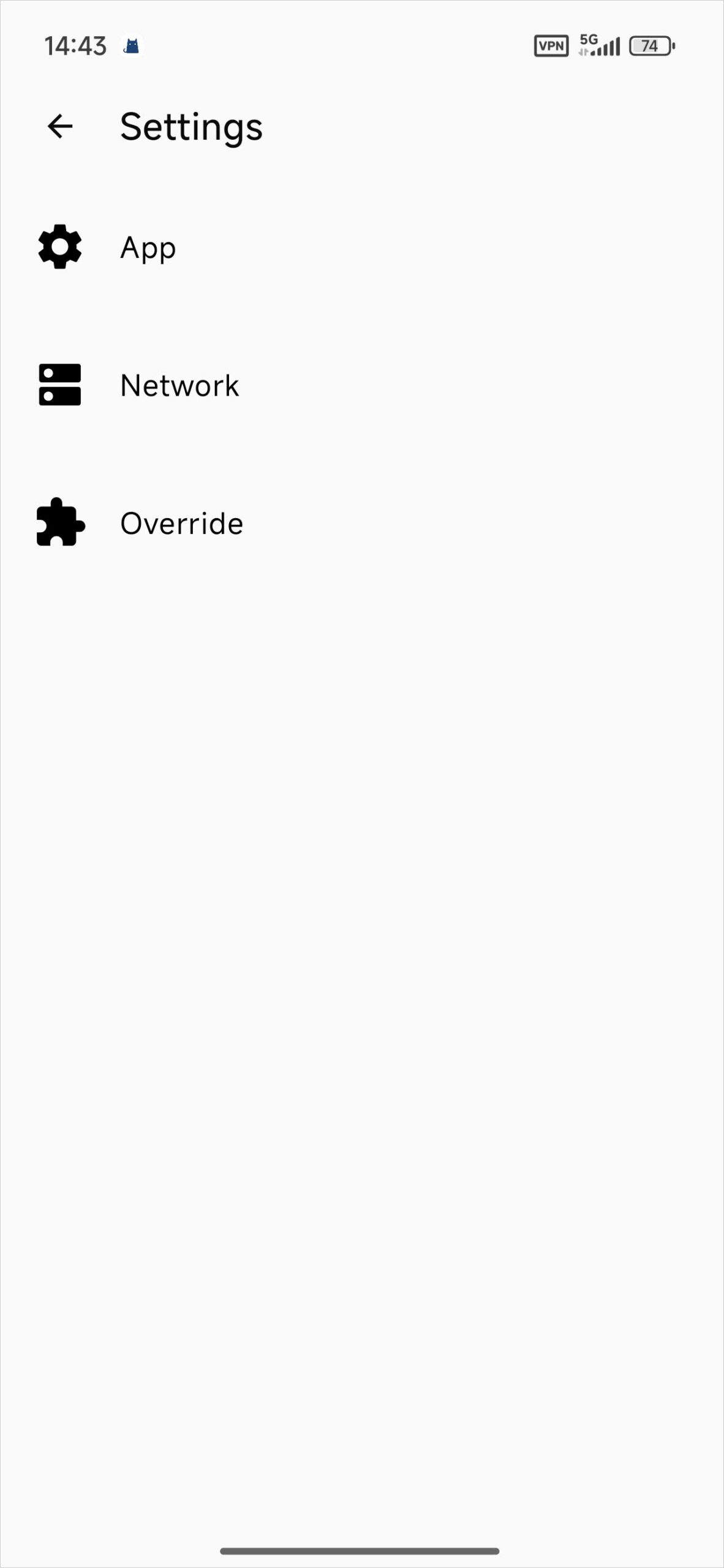
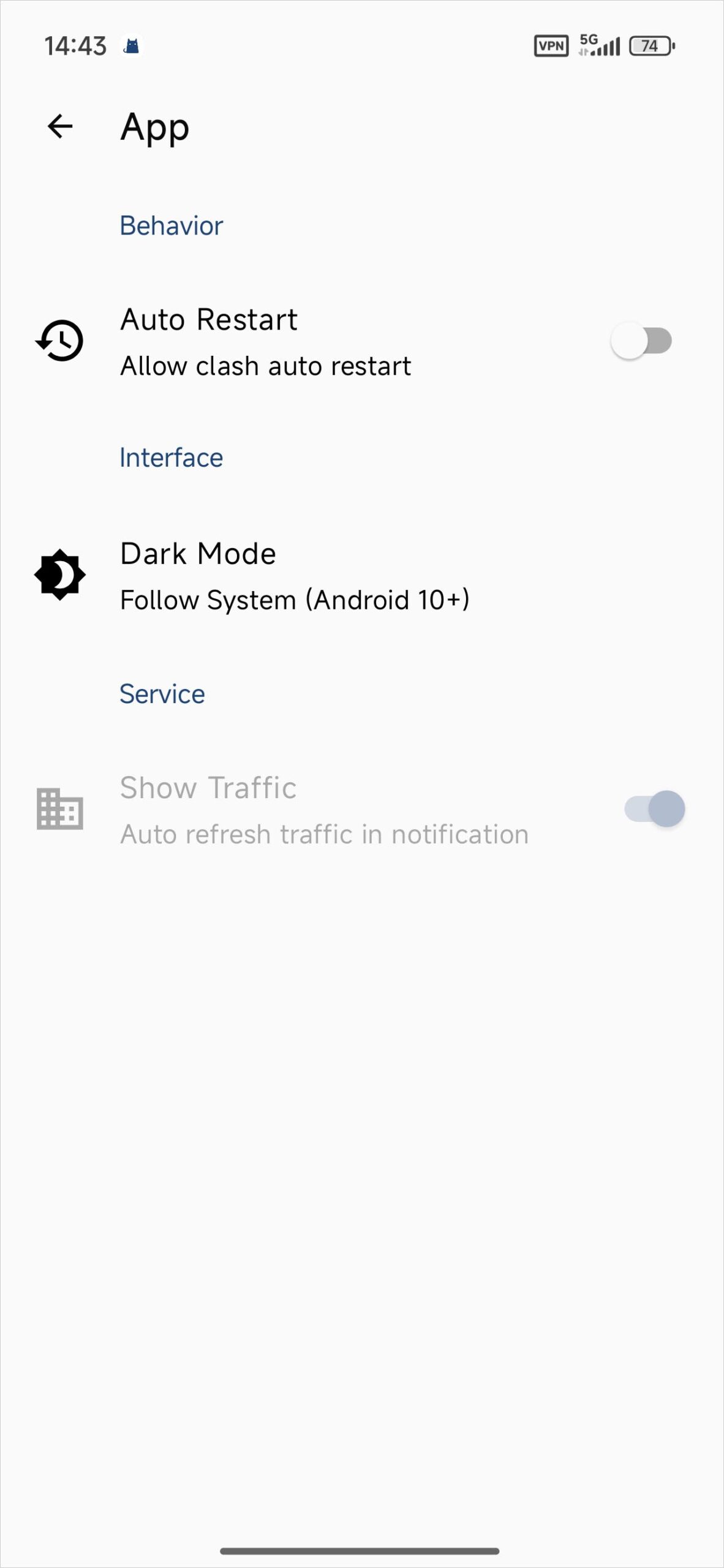
Open Profiles when you want to add a configuration or switch between saved profiles. The main screen has the start/stop control. The proxy view shows groups defined by the selected configuration, and logs can help explain a failed import.
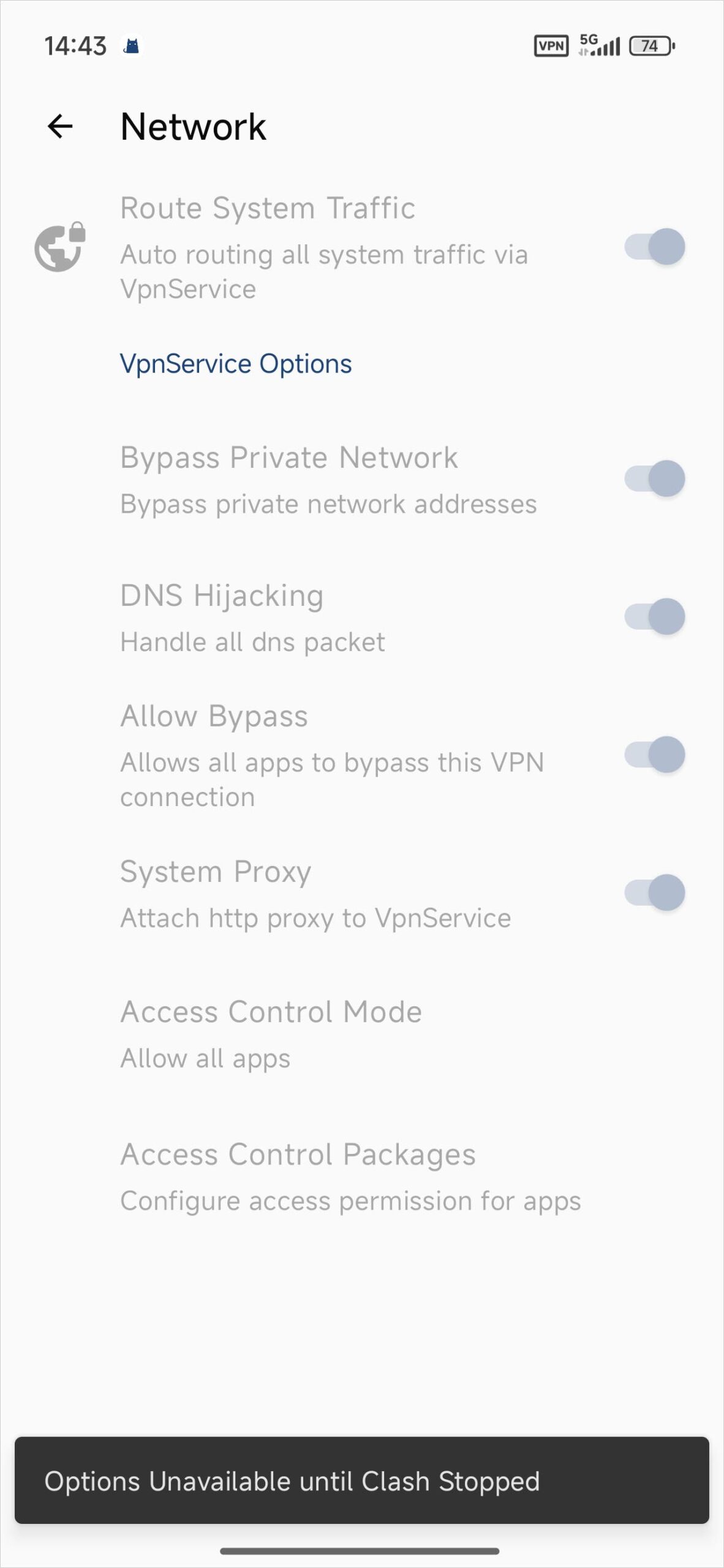
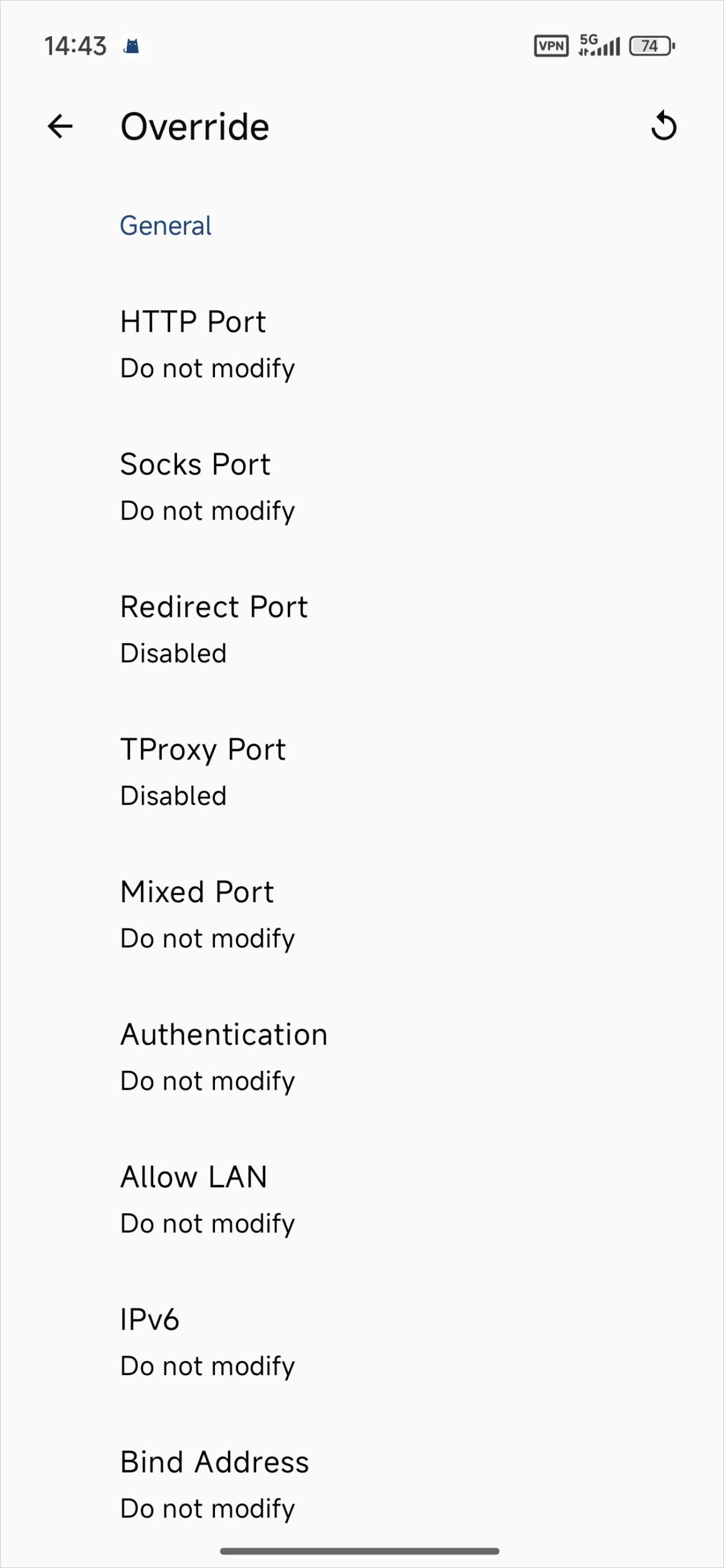
Servers
Ask your provider for a classic Clash-compatible URL or YAML file. If its dashboard only lists Mihomo or Clash.Meta profiles, check with the provider before using one in this legacy client.
Clash for Android server compatibility
Quick Configuration
- Open Profiles and tap +. Choose import from URL, paste the full compatible link, and save. Use the file import option for a local YAML configuration.
- Select the saved profile and return to the home screen.
- Tap Stopped to start the connection. Approve the Android VPN permission if prompted.
- Look for the running status and test browsing. The active profile’s rules determine which requests use a proxy.
If the profile fails to load, check the full link and ask whether it includes protocols unavailable in legacy Clash. If Android won’t connect, check for another active VPN.